Doors & Windows / inquiry options
Barn sliding door and related door procurement options
Select the relevant inquiry label, then describe the opening, assembly scope, quantity and destination; these labels do not establish stock, compatibility or availability.
Browse Inquiry Options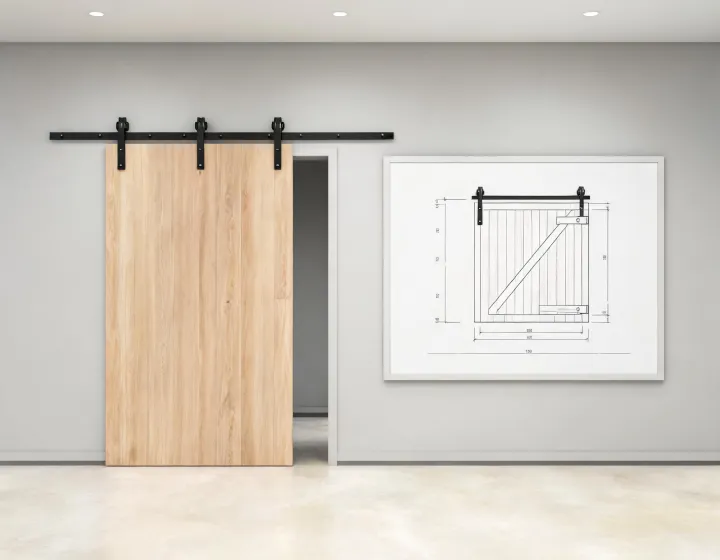
Inquiry options
Doors & Windows
No matching inquiry labels. Reset the search or describe your required door in the form.
How to use these options
Barn doors, automatic entrance doors and elevator doors represent different purchase questions. Choosing a card records a starting label for the enquiry; it does not imply that the items share a common operator, installation interface or performance classification. Explain the intended application in your own words so a supplier can identify the exact offered construction.
Give dimensions a clear meaning
Record clear opening width and height separately from moving panel size. State measurement units, number of leaves, travel arrangement, material and finish. For a barn-style installation, describe the available wall space and hardware package. For an elevator door, identify landing or car-door use and the information available about the existing equipment. An automatic entrance enquiry should identify the operator and control scope that the buyer expects.
Separate items from assemblies
Count complete sets, individual panels and spare components separately. Ask suppliers to list the hardware and accessories included with each unit. Mark material substitutions, finish alternatives or changed interfaces so the comparison can account for them. The size-related catalog label is a specification discussion route, not a physical product with a universal size.
Move from selection to review
Use the sourcing process to compare the quote basis and the dimension checklist to identify open questions. MOQ, samples, requested timing and packing need confirmation for the offered configuration. Your budget and supplier preference are optional; include a currency and unit basis if provided. Send your written requirements through the enquiry dialog or contact page, then keep supplier responses and the buyer's review record together.